A timer doesn’t stop you opening Instagram.
Block distracting sites and apps on your Mac.
Nook Blocker is a Mac app. While your timer runs, it keeps the sites and apps you picked closed.
No card needed. Then $29 once or $5 a month.
 Nook Blocker for Mac. macOS 13 or later.Already Pro? Download
What Nook Blocker does
- Blocks websites.Sites on your list show a block page until the timer ends.
- Closes apps.If you open an app on your list, Nook closes it.
- Hides feeds.YouTube and Reddit open without their home feeds.
You choose the sites and apps. Nook Blocker runs on your Mac and keeps no browsing history. Rooms, sound and the timer on nookfocus.com stay free.
Set up takes about a minute
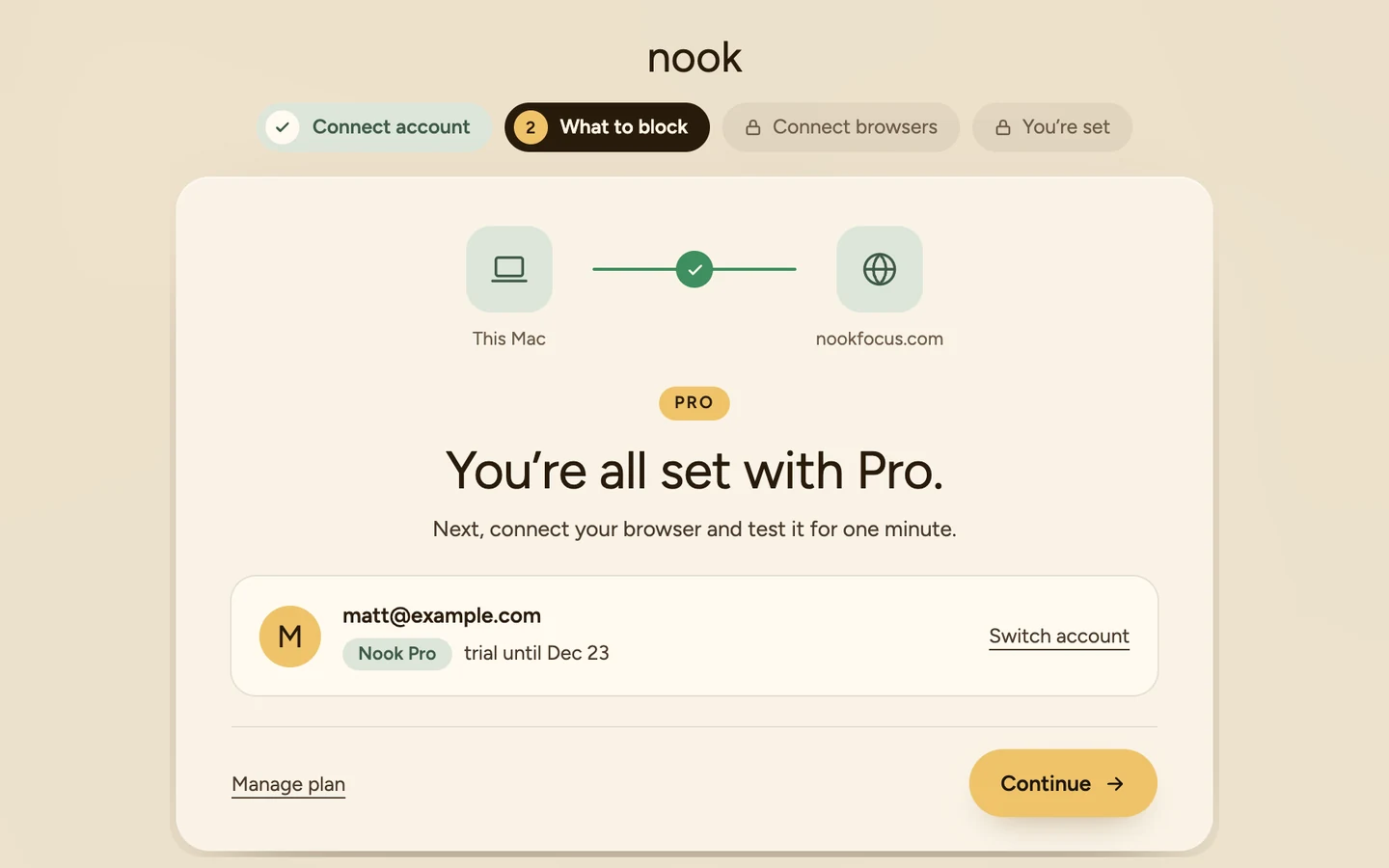
Download and sign in. Open the app you downloaded. It moves itself to Applications. Use your Nook account. 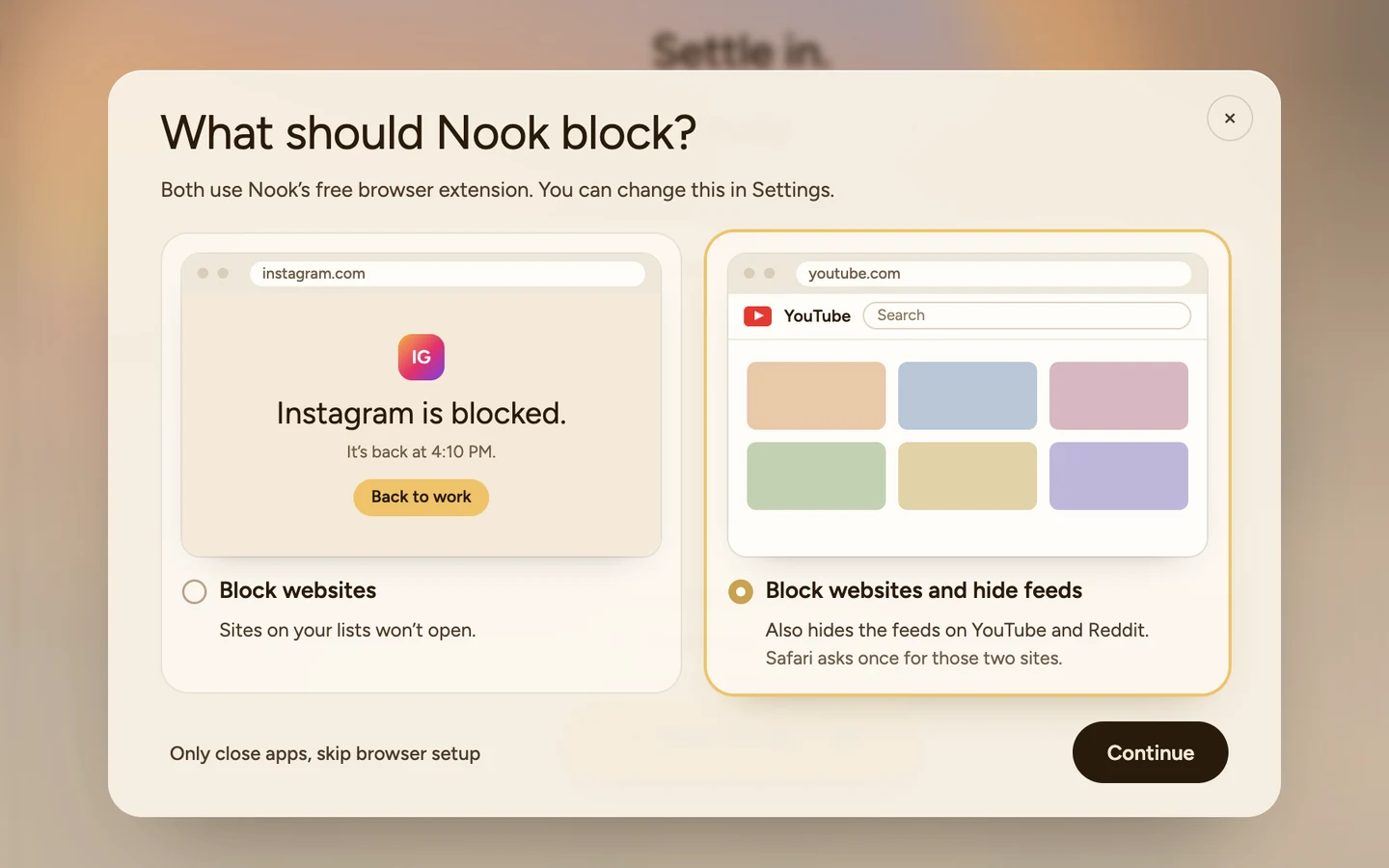
Choose what to block. Websites only, or websites and feeds. 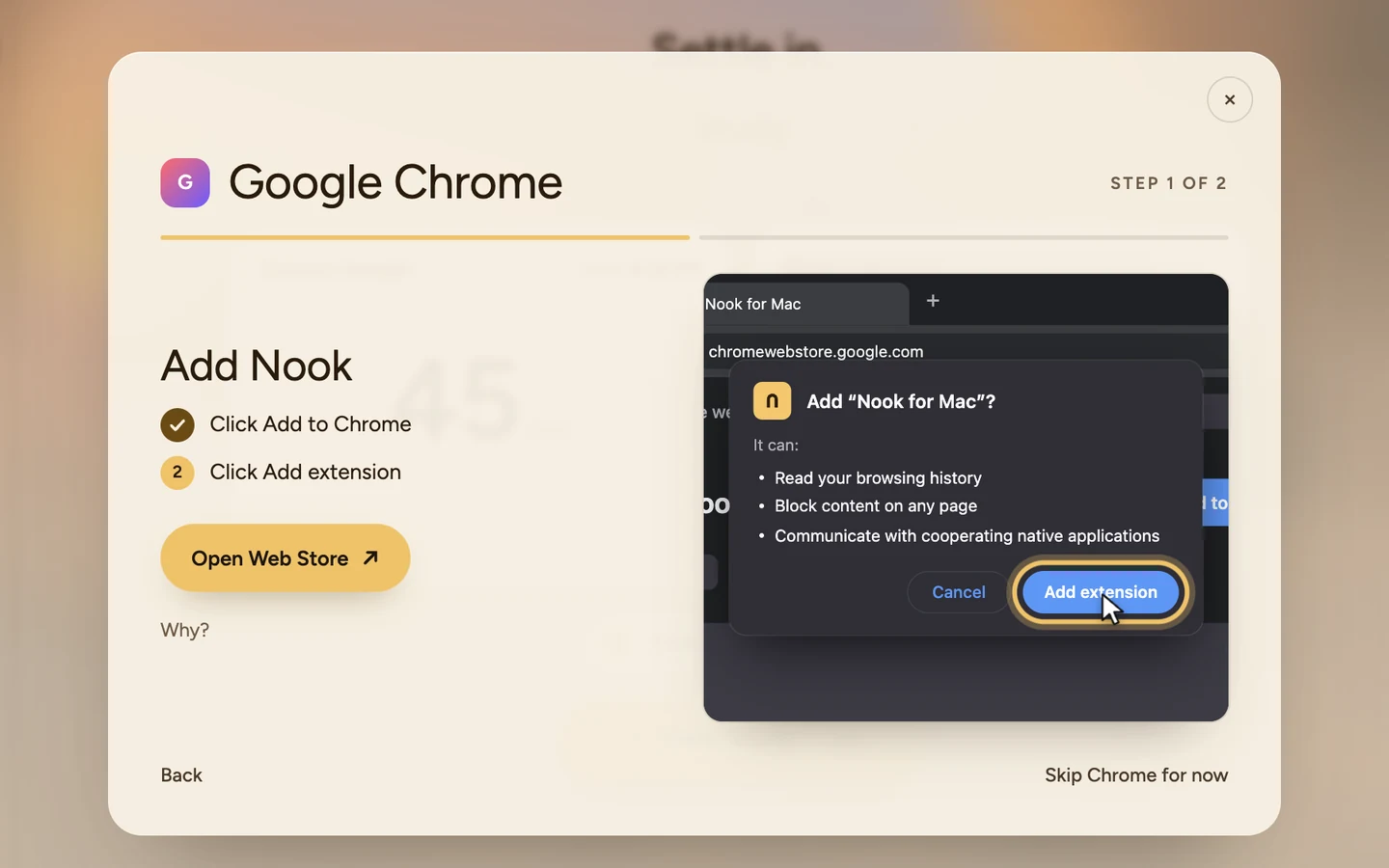
Connect your browser. Nook opens its free extension and shows what to click. 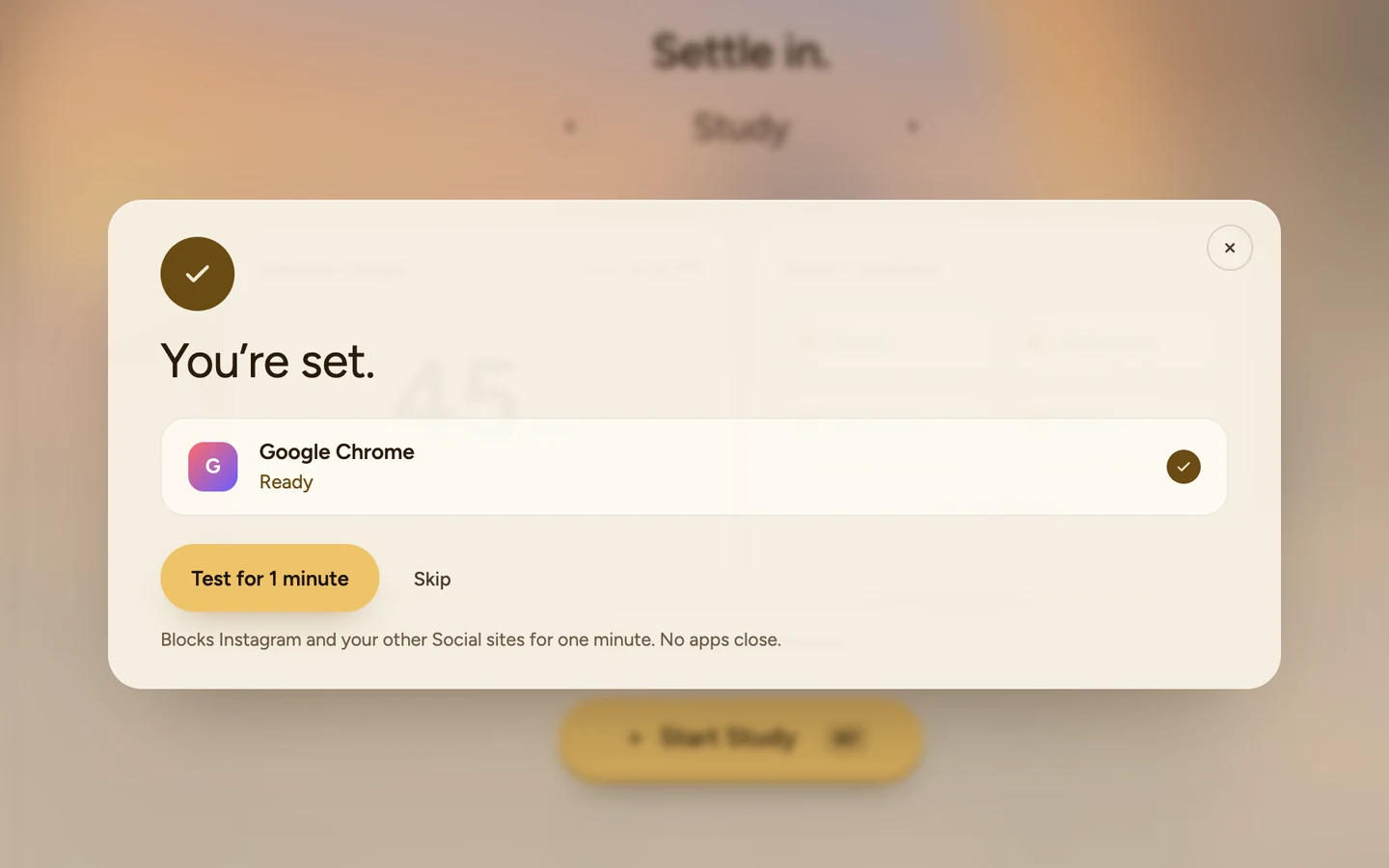
Test it. Nook blocks Instagram for one minute, so you can see it work.
Start it from your Nook room
Choose a preset under Lock my Mac and press Start focusing. The timer starts and Nook Blocker locks your Mac.
A Study session. Discord is closed and TikTok is blocked.
Each preset sets whether you can end early.
- FlexibleEnd or pause whenever you like.
- DelayedWait 10 minutes and type a phrase.
- LockedYou can’t pause or end early.
Hide the YouTube and Reddit feeds
You can still search or open a link, so a lecture on YouTube still plays.
Free for 30 days. Then $29 once or $5 a month.
| NookFree | Nook Pro30 days free | |
|---|---|---|
| Rooms, sound and timer | Included | Included |
| Planner and sync | Included | Included |
| Nook Blocker for Mac | Not included | Included |
| Block websites | Not included | Included |
| Close apps | Not included | Included |
| Hide YouTube and Reddit feeds | Not included | Included |
| Flexible, Delayed and Locked sessions | Not included | Included |
| Hidden rooms coming soon | Not included | Included |
No card needed. Or buy it now, with a 30-day refund.
Any questions?
How does the free trial work?
You get all of Nook Pro for 30 days. There’s no card, so it ends by itself and nothing is charged.
What stays free?
Everything on nookfocus.com: rooms, sound, the timer, the planner and sync.
Which browsers and Macs?
Safari, Chrome, Arc, Brave, Edge, Firefox and more. macOS 13 or later, on Apple silicon and Intel.
Does it see my browsing?
The extension checks addresses on your Mac against your list. It keeps no browsing history. Details
Can I end a session early?
Yes with Flexible. Delayed makes you wait 10 minutes. Locked can’t be ended.
Can I cancel or get a refund?
Cancel a monthly plan in Account. For a refund, write to us within 30 days of your first payment.