A little more space to focus.
Block distracting sites and apps, hide feeds, and decide how easy it is to stop early.
Checking the latest release…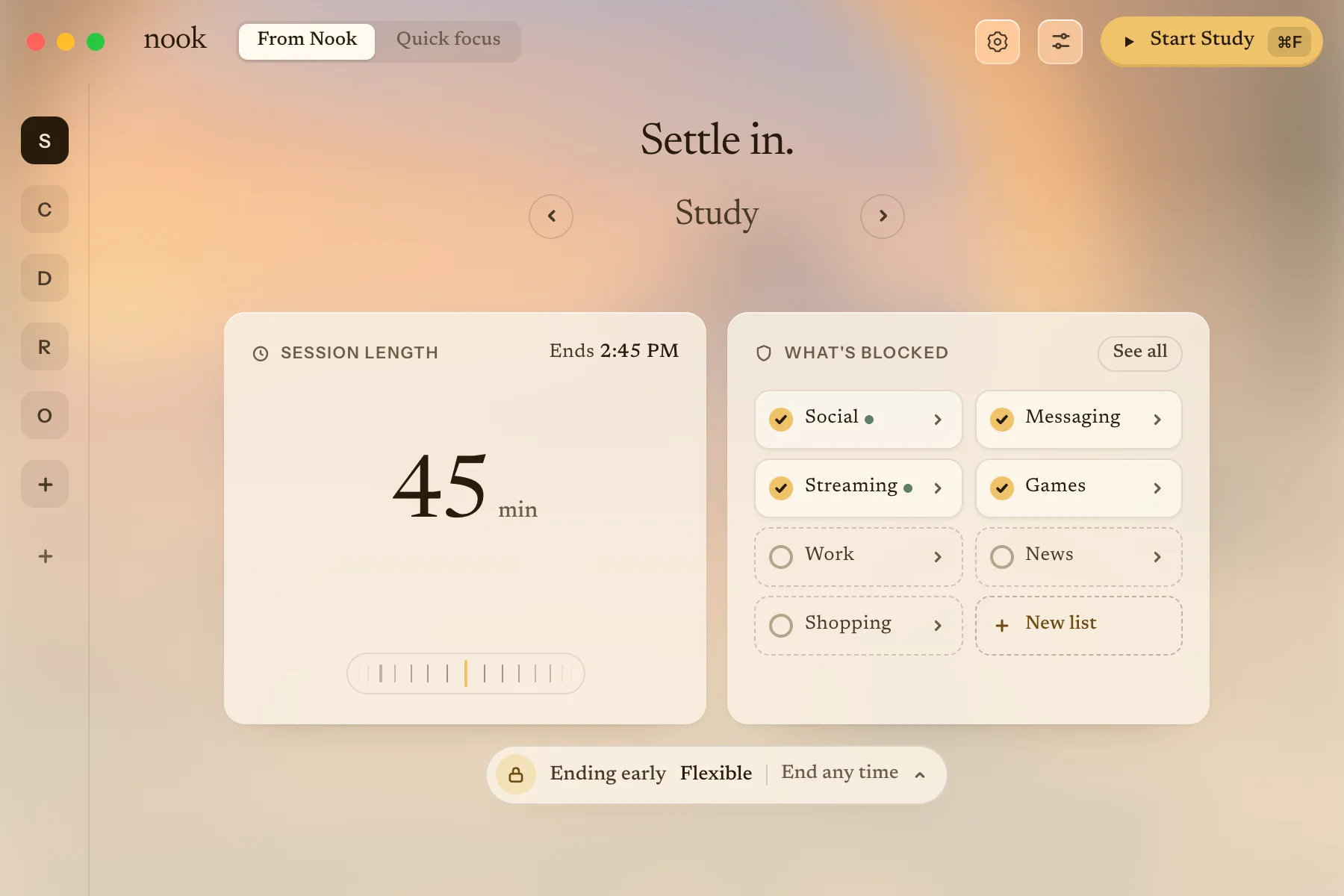
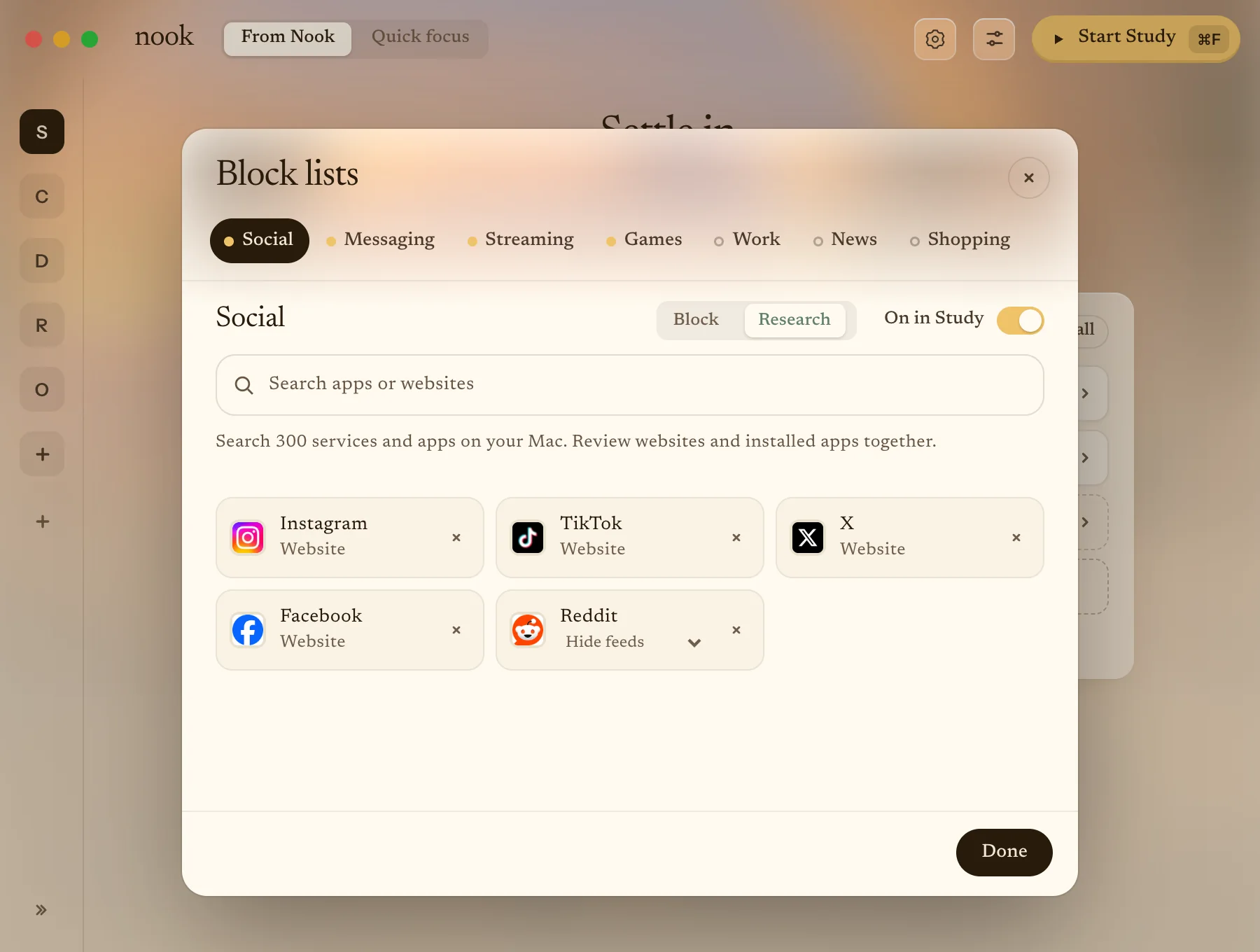
Pick what to block.
Sites and apps go into lists like Social, Messaging, Streaming and Games. Presets such as Study and Deep work block the lists you tick.
- Search 300 popular services and every app on your Mac.
- Switch a list to Research to hide its feeds but keep search.
- Start sessions yourself or on a schedule.
Focus in your room.
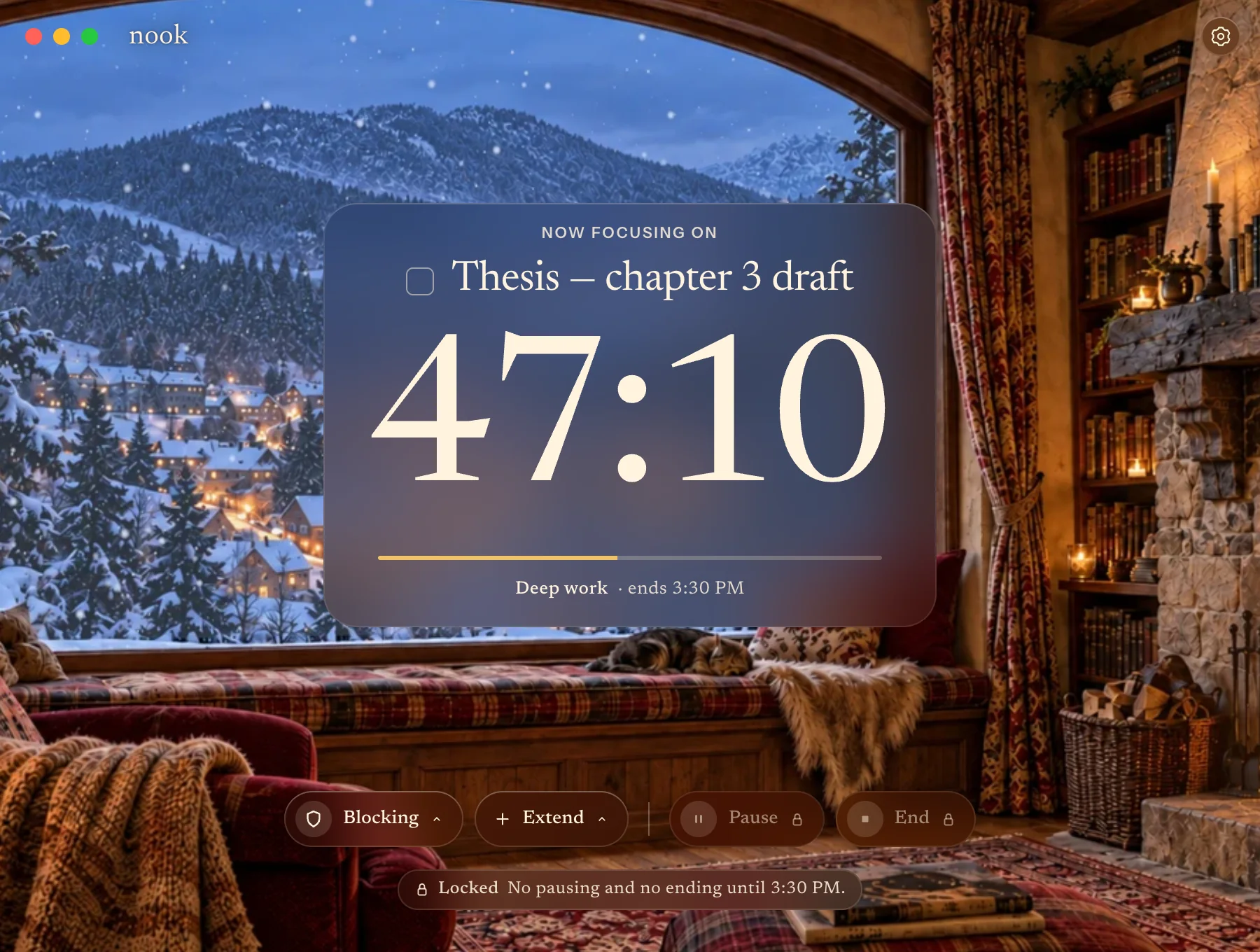
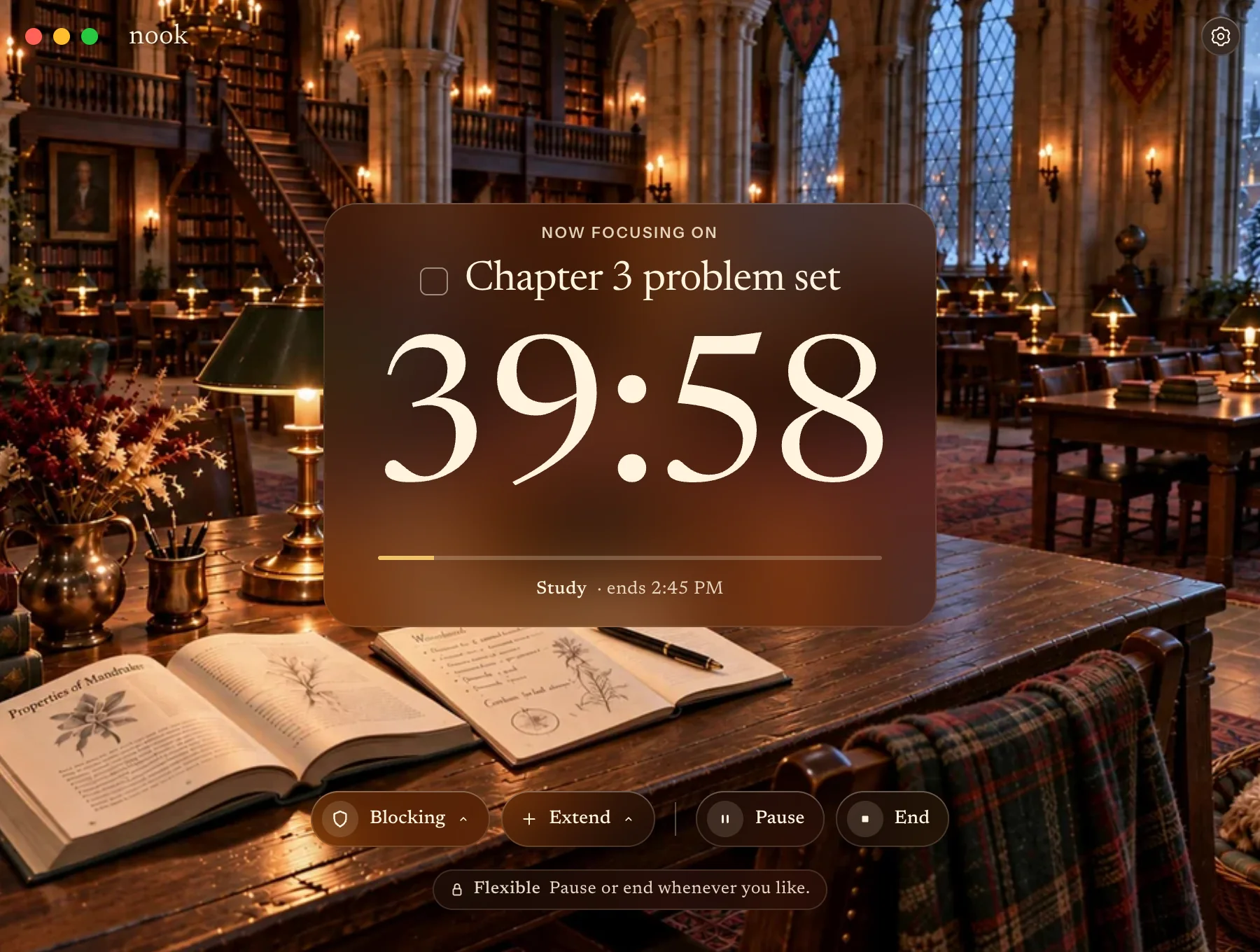
Your task and timer sit over one of Nook’s rooms, with what’s blocked and when it ends always in view.
Need longer? Extend by 15 or 30 minutes.
Distractions stay closed.
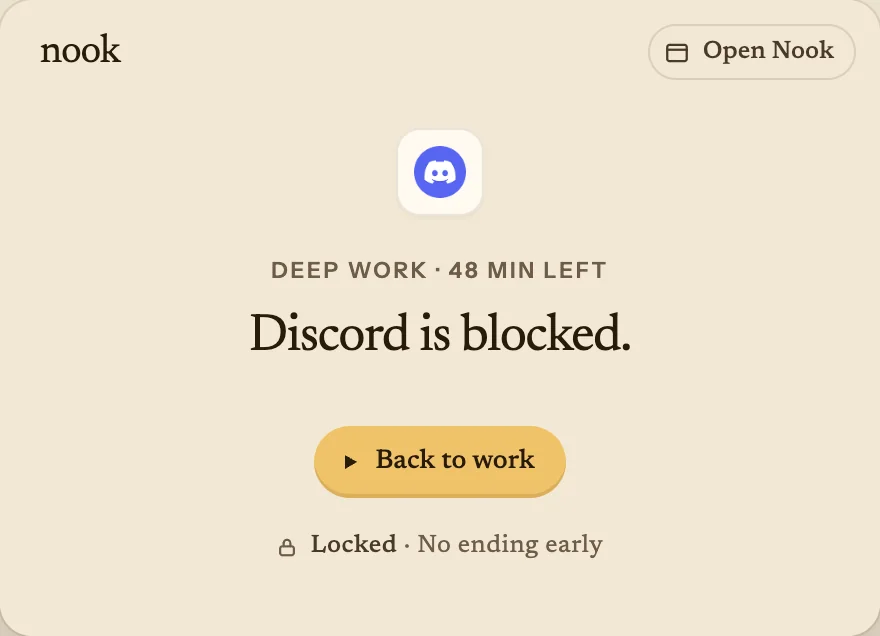
Open a blocked app and Nook closes it again, with one button back to work.
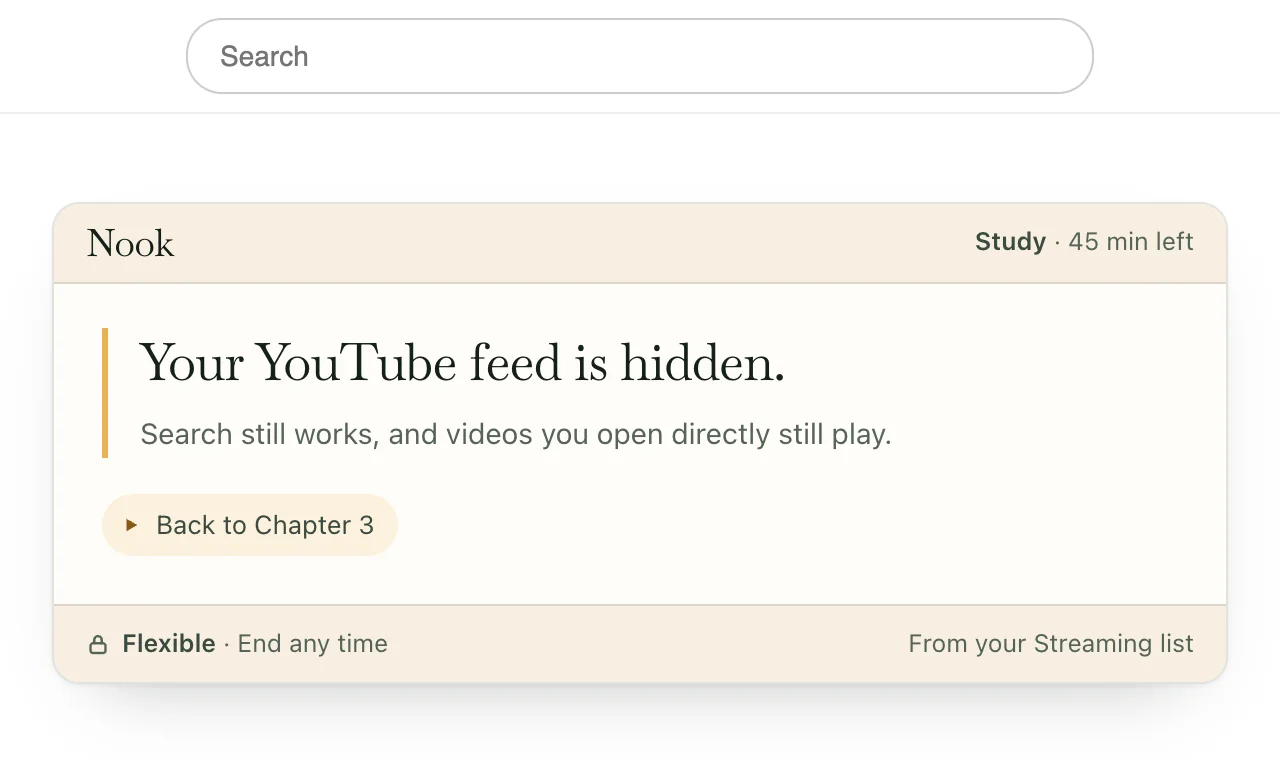
On YouTube and Reddit, a short note replaces the feed. Search and links you open directly still work.
Start in your room. Your Mac follows.
When your browser is connected, a green light appears under Start focusing on nookfocus.com. Pick a lock there, and starting focus starts it on your Mac, in the same room.
Pausing on the website leaves the lock running.
Choose how firmly it holds.
Set it for each preset, under Ending early on Home.
Flexible
End or pause whenever you like.
Delayed
No pausing. To end early, wait 10 minutes, then type a phrase.
Locked
No pausing or ending early. You can still extend it.
Set up in three steps.
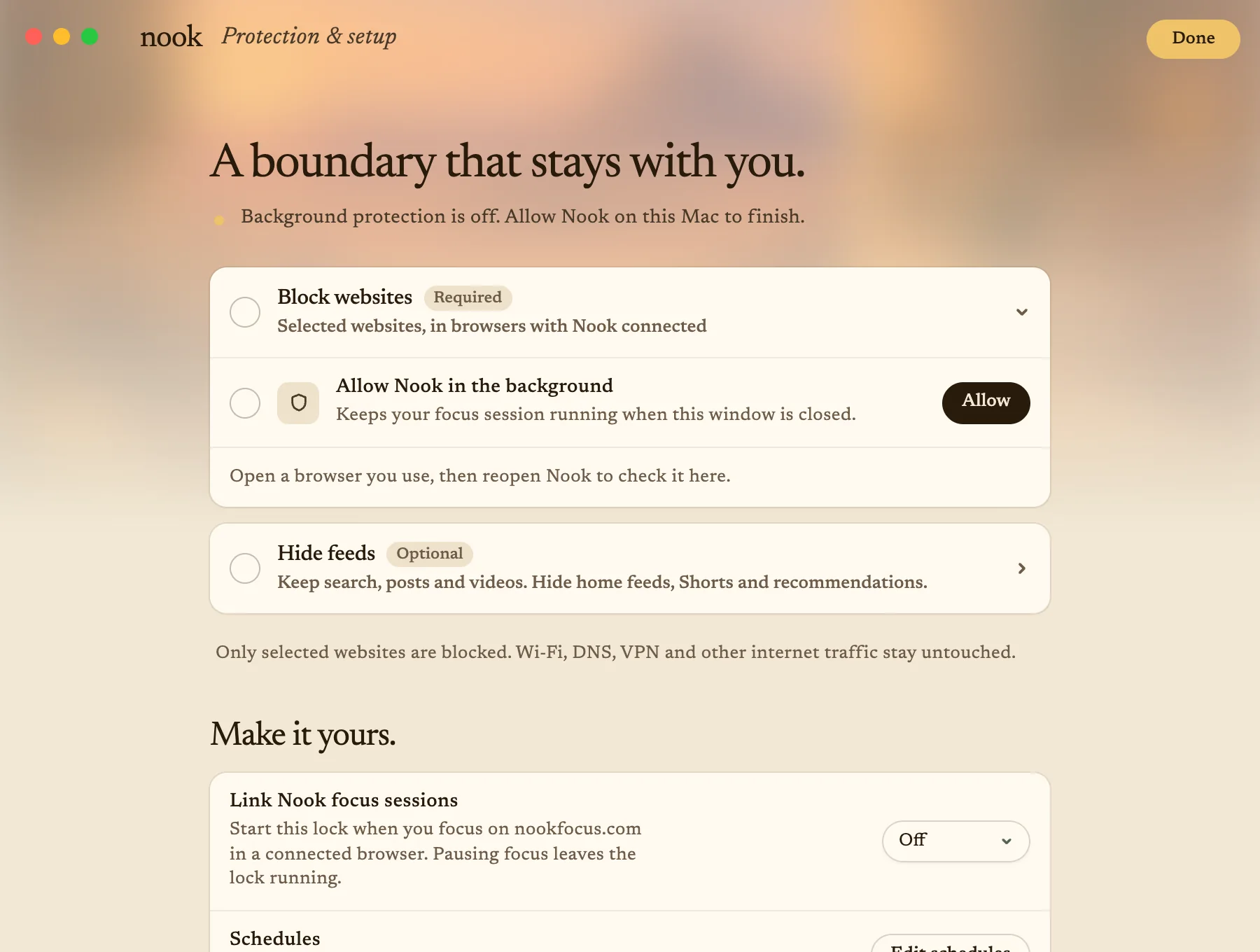
- Open the download.Nook moves itself to Applications and walks you through the rest.
- Connect your browsers.Nook checks each one before a session starts.
- Allow Nook in the background.Sessions keep running when the window is closed.
Hiding feeds is optional. It needs the Nook extension in Arc or Chrome.
Stays on your Mac.
Your lists, schedules and recent sessions are saved only on this Mac.
Nook blocks just the sites you pick, in your browser. Your Wi-Fi, VPN and network settings stay as they are.
- No account needed
- Notarized by Apple